




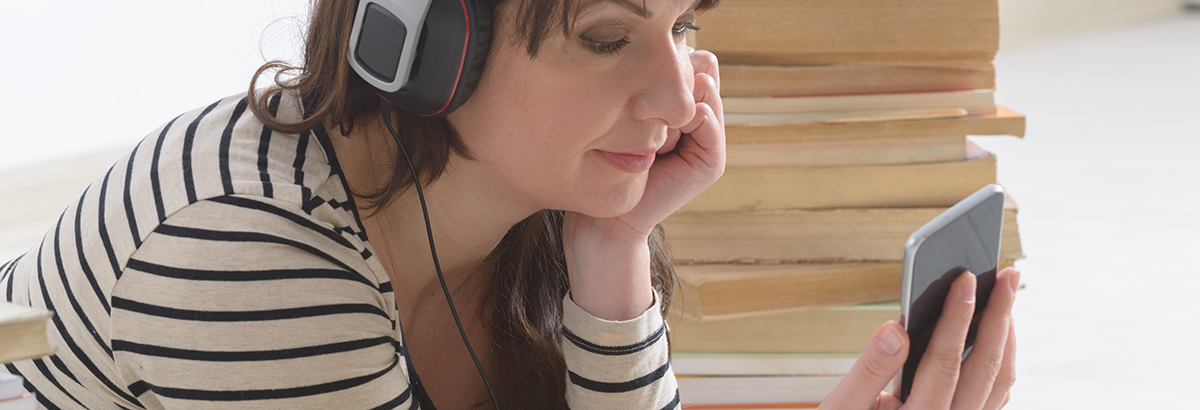
Our collection of e-audiobooks is available via a number of providers. Titles include classics, new releases, nonfiction and bestsellers for all ages. You can borrow anytime and enjoy automatic returns with no late fees.
You will need a valid library card / PIN number (in most cases your date of birth – ddmmyy) and Internet access.
Borrowbox
 Bolinda’s BorrowBox allows patrons to download e-audio for free and play them on any compatible device. All you need is Internet access and your library card (your password is your date of birth in the format ddmmyy). There is no software to be installed and the files are compatible with all operating systems. If you have a smart device, the Bolinda BorrowBox app from Google Play or Apple App Store is the easiest way to download and manage your loans. For more information on setting up Borrowbox please download our brochure.
Libby by Overdrive
 Download e-audio via Libby by Overdrive for free and play or read them on any compatible device. All you need is Internet access and your library card. If you have a smart device, the Libby app is the easiest way to download and manage your loans. Get help on borrowing audiobooks and on how to get started. For more information on setting up Libby please download our brochure.
 IndyReads
 Indyreads is a collection of ebooks & e-audio books from independent publishers, self-published authors, & Australian local writers.
You will need Adobe Digital Editions installed on your computer, or the Odilo/Indyreads app from GooglePlay or AppleAppStore.
Items may be borrowed for a 21 day loan period, with the option to return early.
Indyreads is a collection of ebooks & e-audio books from independent publishers, self-published authors, & Australian local writers.
You will need Adobe Digital Editions installed on your computer, or the Odilo/Indyreads app from GooglePlay or AppleAppStore.
Items may be borrowed for a 21 day loan period, with the option to return early. Hoopla
 With hoopla digital you can borrow movies, music, e-audiobooks, e-books, comics and TV shows to enjoy on your computer, tablet, or phone – and even your TV. Titles can be streamed immediately, or downloaded to phones or tablets for offline enjoyment later. There are hundreds of thousands of titles to choose from, with more being added daily.
Getting started:
- Create your hoopla account using your email address and a password
- Select Mid North Coast Library Service and enter your library membership number
- Find a title you like and click borrow.
- You get 6 Instant Borrows each month. These Instant Borrows will reset every month and you can borrow more than one title at a time.
- Books are available for 21 days after you borrow
- Videos are available for 72 hours after you borrow
- Music titles are available for 7 days after you borrow.